SnippetOne – Save, Search & Reuse Text, Code, and File Snippets




Used by professionals to store, search, and reuse important snippets and documents.
Organize, search, and reuse your snippets with ease
Store your important text, code, PDFs, images, and documents in one place. Search public snippets instantly or log in to build your own private snippet library that’s always easy to find.
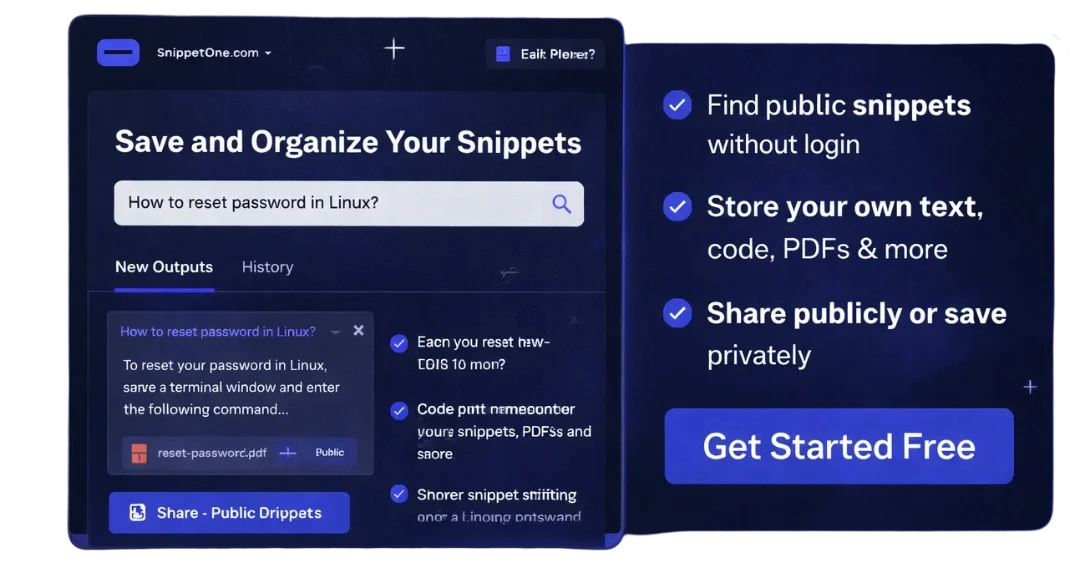
One simple place to store and reuse your important content
Instead of searching through chats, folders, or old files, save your frequently used snippets in one organized platform and access them anytime you need them.
- Search and view public snippets instantly without logging in.
- Create, edit, and manage your own text or file-based snippets.
- Choose whether your snippets are public for sharing or private for personal use.
- Useful for developers, students, recruiters, and working professionals.
Manage and find your snippets with ease
A simple and organized way to store, search, and reuse your important snippets — from text and code to PDFs and documents — with fast search that works even without logging in.
Centralized Storage
Save all your frequently used snippets in one place, instead of searching through chats, folders, or old notes.
Advanced Search
Search snippets by title, or use advanced search to enter a username and instantly see all public snippets shared by that user — no login needed.

Public & Private Control
Choose whether your snippets are public for sharing or private for personal use. After login, you can easily access and manage both.
Why professionals use this platform every day
Built to simplify daily work — whether you’re coding, studying, recruiting, or managing information — by keeping reusable content easy to save, search, and access anytime by username.
Never lose important information
Save useful notes, answers, or references once and stop searching through chats, emails, or old files again.
Faster decision-making
Quickly open saved snippets by title or username instead of rebuilding the same content every time.
Reduce repetitive work
Reuse snippets for emails, code fixes, reports, or explanations without rewriting or re-uploading.
More than just code
Store text, PDFs, notes, templates, interview answers, and reports — all searchable in one place.
Share with just a username
Share public snippets simply by giving your username. Anyone can view them without logging in.
Fits into any workflow
Whether you work solo or switch systems, your snippets remain available anytime through search.
Useful across roles
Developers, students, recruiters, and professionals rely on SnippetOne for quick access during work or interviews.
Simple and distraction-free
No complex links or permissions — just search by keyword or username and get what you need.
Frequently Asked Questions
Clear and simple answers to common questions about using SnippetOne.
SnippetOne is a platform that helps you save, organize, and reuse
text snippets, notes, code, and files like PDFs or images,
so you can find them quickly whenever you need them.
Yes. You can search and view all public snippets without creating
an account. Simply enter a title in the search bar to get results.
Advanced Search allows you to enter a username to view
all public snippets created by that user.
Pinned snippets are shown at the top for easy access.
Yes. You need to log in to create, edit, or delete your own snippets.
This keeps your content secure and linked to your account.
Public snippets can be viewed by anyone.
Private snippets are visible only to you after logging in
and never appear in public search results.
Yes. You can sign in using your Google account.
First-time Google users are required to set a username
and password after logging in.
Each user can create up to 150 snippets.
This limit helps ensure smooth performance and fair storage usage.
You can upload files such as PDFs, images, and ZIP files
along with your text snippets.
Yes. You can edit or delete your snippets anytime
from your dashboard after logging in.
If you face any issues or have questions,
you can contact us at contact@snippetone.com.